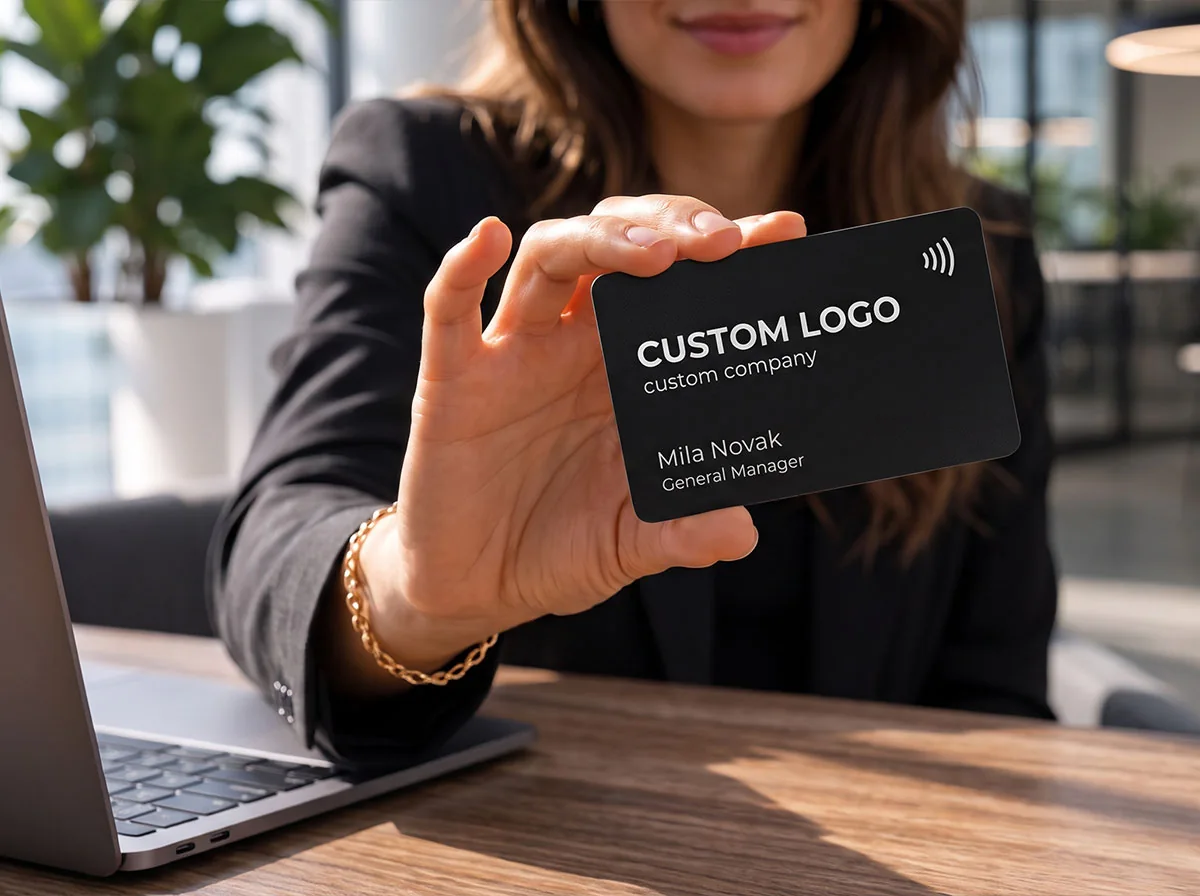
What is a digital business card and how does it work?
Learn how digital business cards work, what to include and how to share your professional profile using NFC, QR codes or a link.
A business card that stays up to date
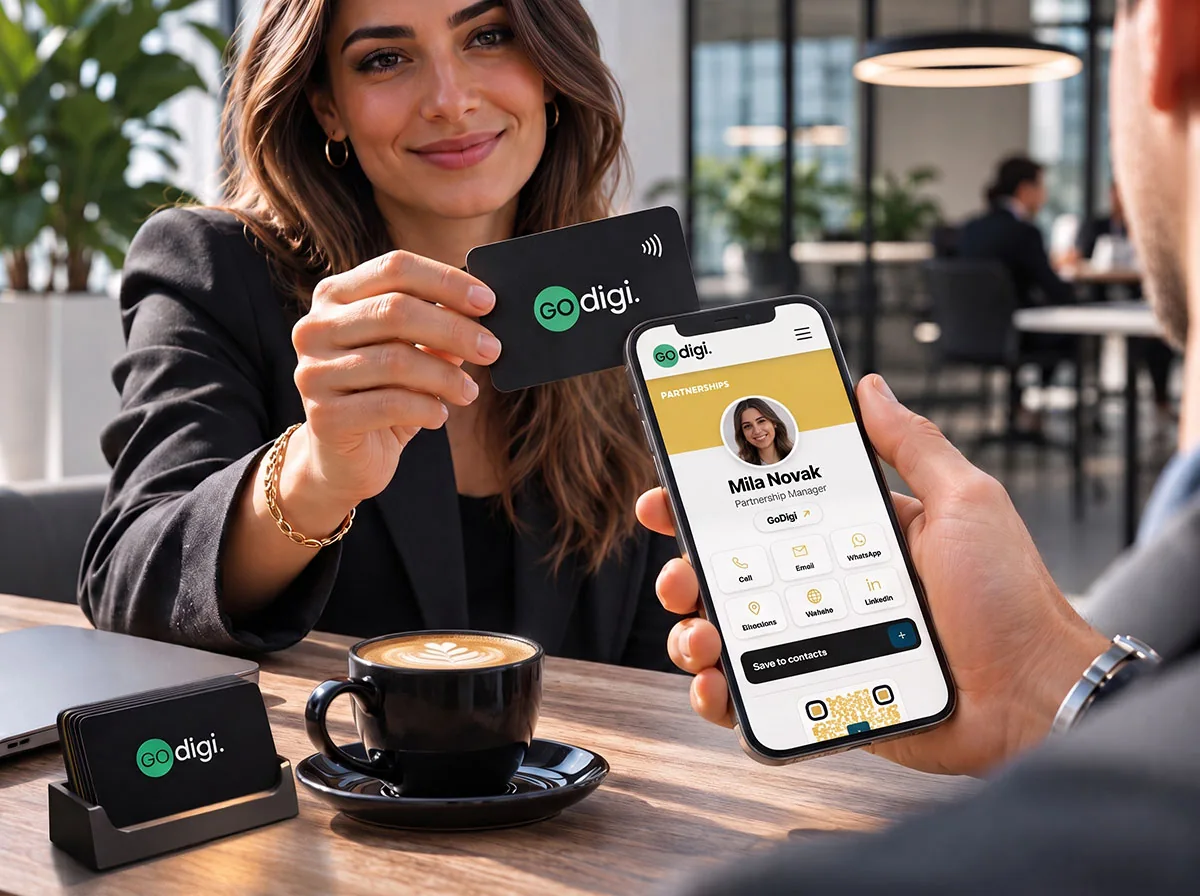
A digital business card is an online professional profile that can be shared as a link, through a QR code or with a compatible NFC card. Unlike printed contact details, the profile can be updated after it has been shared. The recipient opens it in a browser and chooses how to connect with you.
What should your digital business card contain?
Start with your name, role, company and professional photograph. Add the contact methods you actually use, such as telephone, email, LinkedIn or your website. A concise introduction helps a new contact understand what you do. Avoid publishing personal details that do not belong in a business context.
Three ways to share the same profile
During a meeting, offer a QR code or tap a compatible phone with an NFC card. For online introductions, send the profile link in a message or email. A Google Wallet pass gives you another way to access and share your identity from your own phone. The recipient generally needs internet access to open the profile, but does not need to install GoDigi.
From an introduction to a saved contact
Opening a profile is only the first step. A useful digital card makes the next action easy: call, send a message, visit a website or save a contact using a vCard. With GoDigi, profile views and supported contact-saving interactions can be measured. These are engagement signals, not proof that a sale or a new relationship occurred.
How to create your first card
Create your profile, add your contact information and branding, and check the public preview on a phone. Test the contact links and QR code with another device. Then add the profile to your email signature or Wallet. A physical NFC card is optional for sharing a digital profile; choose a plan based on the features and team requirements you need.
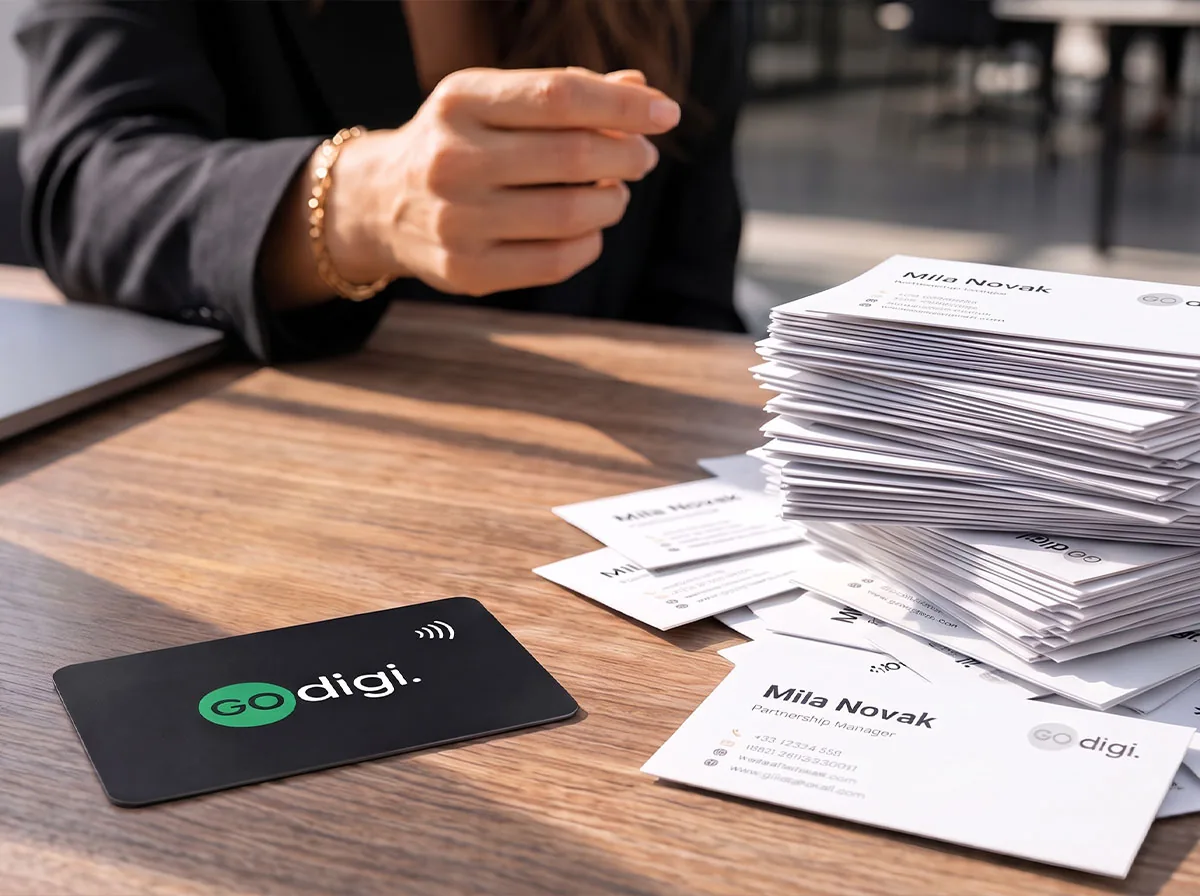
When does a printed card still make sense?
Printed details can be useful when a recipient has no internet connection or prefers a physical reminder. A printed QR code can combine both approaches. The important distinction is whether the information behind the code can stay current without another print run.